Build and reuse shopping lists
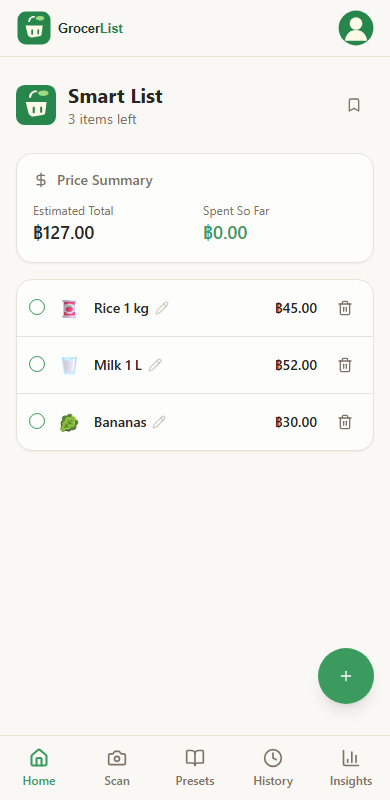
Add items, quantities and prices, check off purchases, and save regular lists as templates.
 Open app
Plan what to buy, review scanned receipts, and reuse your regular shopping lists with GrocerList.
Your list is saved in this browser.
Favourites
Save your favourite items and add them to your next shopping list without typing them again.
Saved in this browser.
Explore GrocerList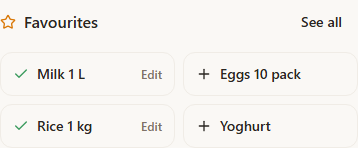
A simpler way to shop
Add items, quantities and prices, check off purchases, and save regular lists as templates.
Upload a receipt photo, then check and edit the extracted names, quantities and prices before saving.
See estimated totals, set a budget, and review your shopping history.
Getting started
Receipt scanning can make mistakes. Review the results before saving.